ESET Secure Authentication download for android 11 (Red Velvet Cake)
APK file ESET Authentication compatible with Android 11How to install APK / APKS / OBB file on Android
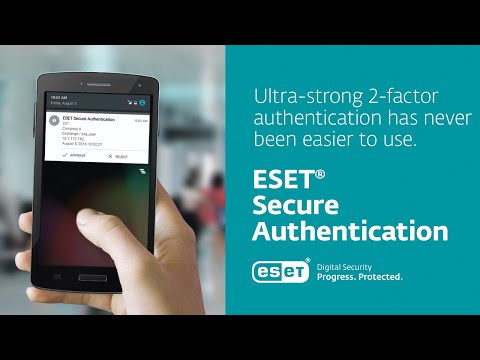
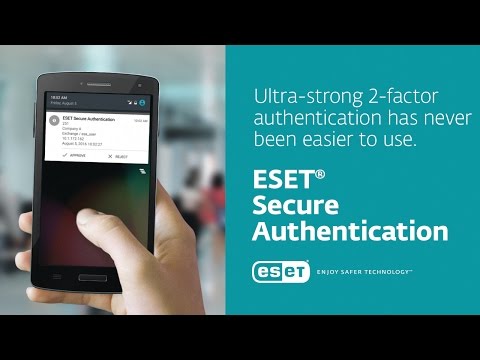

NOTE: Before installing ESET Secure Authentication, please note that the product requires server side installation. This is a companion app and will not work independently. Contact your company‘s network administrator to receive your enrollment link.
ESET Secure Authentication is an easy-to-install, deploy and manage, 2-factor authentication (2FA) solution for businesses. The second factor, which is received or generated by the mobile app, complements and strengthens the normal authentication process and secures access to your company’s data.
The ESET Secure Authentication app allows you to:
✔ Receive push notifications on your device that you can approve to complete authentication
✔ Generate one-time passwords to use along with your username and password
✔ Add new account simply by scanning QR code
Supported integrations:
✔ Microsoft Web Apps
✔ Local Windows logins
✔ Remote Desktop protocol
✔ VPNs
✔ Cloud services via AD FS
✔ Mac/Linux
✔ Custom apps
Two-factor authentication is a combination of two security factors – “something that the user knows” , e.g. a password – with “something that the user has”, a mobile phone to generate a one-time password or receive a push for access.
Rely on ESET - a company with 30 years of experience in protecting technology that enables the progress of businesses and consumers.
Find out more about ESET Secure Authentication for businesses: https://www.eset.com/us/business/solutions/multi-factor-authentication/
This app uses the Device Administrator permission.
This app uses Accessibility services.
- Improved: Provisioning flow stabilization
- Improved: Backend improvements for provisioning and authentication
- LicenseFree
- File nameESET Authentication
- File Version3.1.9.0
- Package namecom.eset.esa
- UploadedMay 2, 2025
- CategoryTools
- DeveloperESET
- Developer site
- Developer emailplay@eset.com
- Permissionsshow (8)